Reimagining My Portfolio with AI Assistance
Applying AI as a design partner to improve workflow, support ideation, and assist with implementation
Time
4 days
Role
AI Designer, Strategic designer
Team
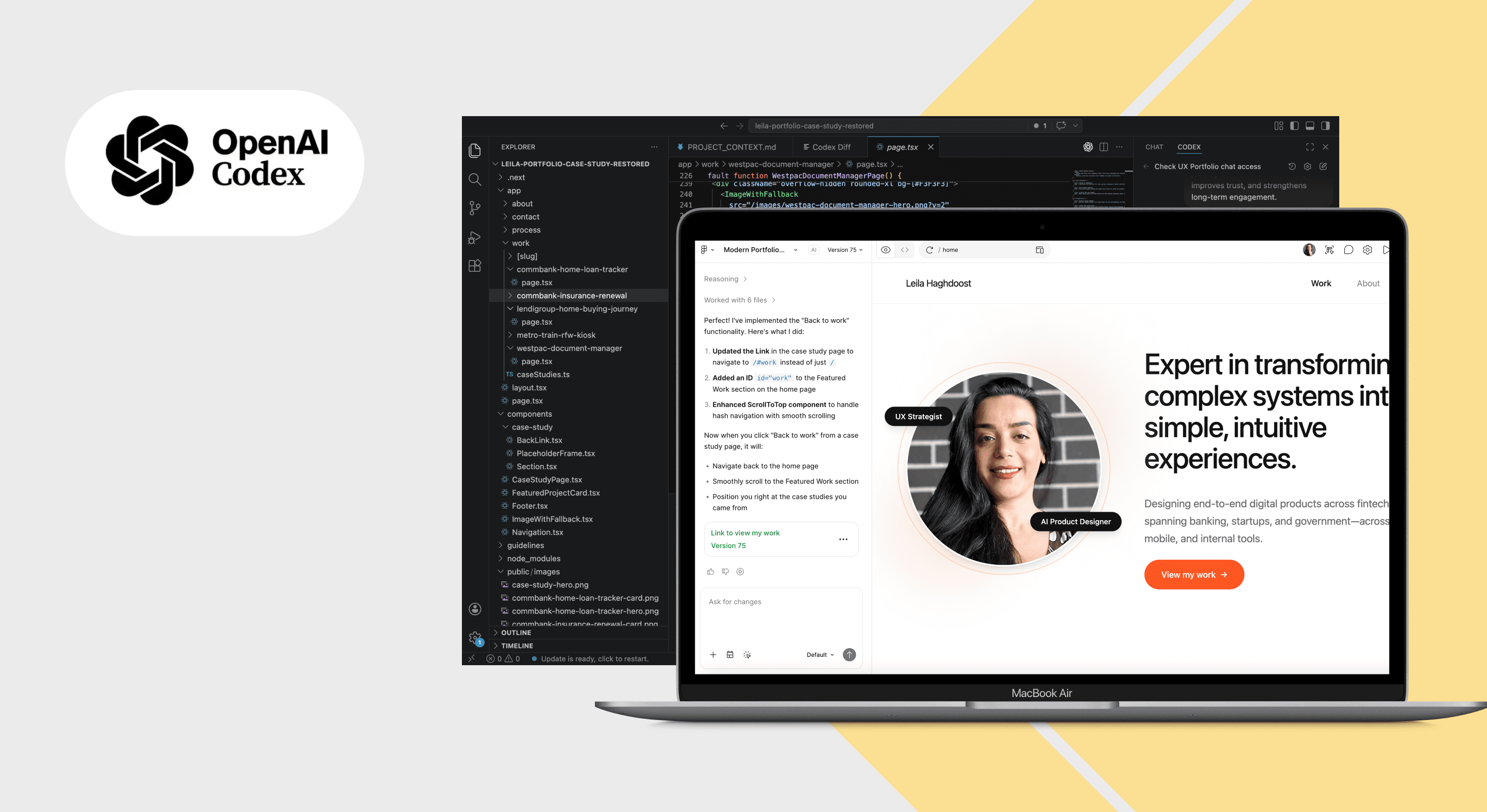
Me + Figma AI tool, Open AI codex
Platform
Mobile responsive website
Context
I rebuilt my portfolio to better reflect my current level of experience. Over time, my work had evolved, but my portfolio no longer communicated my thinking, process, or the complexity of the work I was doing.
I needed a clearer and more scalable way to present my projects, one that could tell a consistent, structured story across different types of work.
Why this mattered
- To include my recent work and present it in a more structured and thoughtful way.
- To create a portfolio that feels strategic, cohesive, and aligned with the level I am aiming to be hired for.
- To explore how AI can support my design process, from idea development to implementation, while I lead all design decisions.
Key Decisions
Before starting I made following key decisions & I defined a clear workflow to guide how I would use AI across ideation, design, and implementation.
Structure & Consistency
Defined a clear and repeatable case study structure to keep all projects consistent and easy to scale.
Idea to UI (AI-Assisted)
Decided how to quickly turn ideas into UI using Figma AI tools, from early concepts to visual layouts.
Design to Code
Planned how to generate and refine code from designs, using AI to support implementation.
Workflow & Delivery
Defined how to manage the code locally, iterate efficiently, and deploy the portfolio live.
Approach
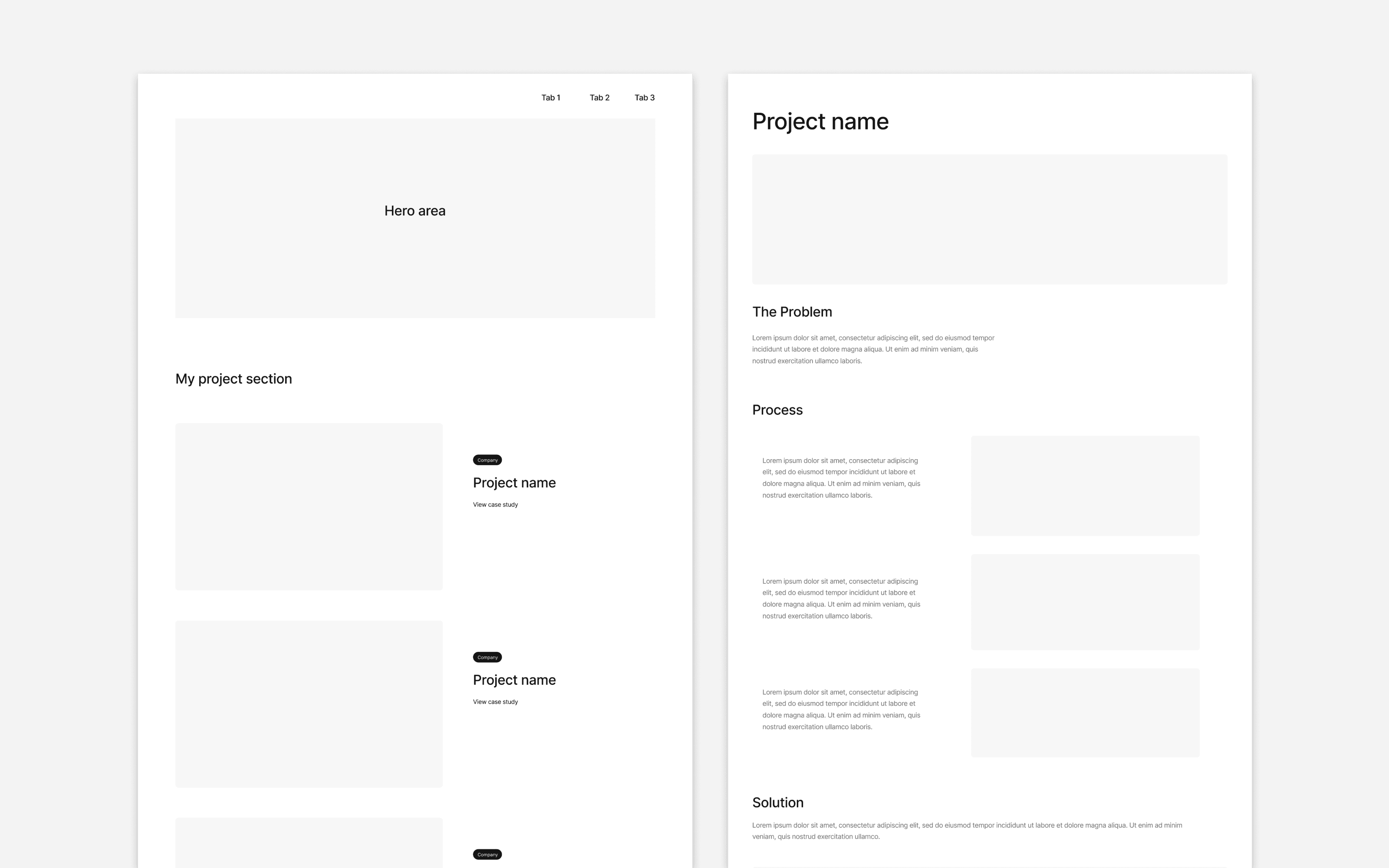
1. Defining the structure
I started by defining how the portfolio and case studies should be structured, so the work could be presented in a clearer, more consistent, and scalable way.
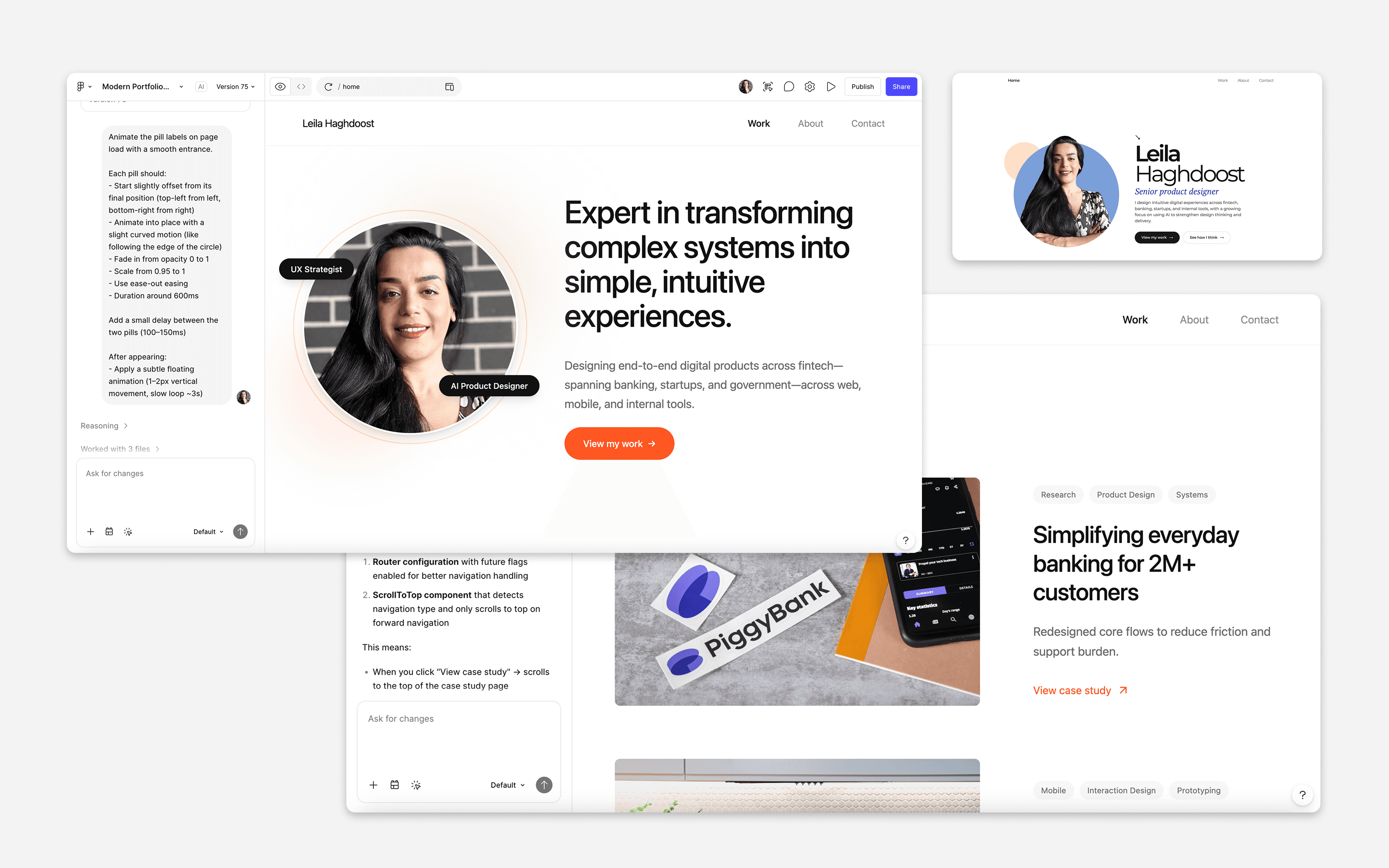
2. Turning ideas into UI
Once the structure was clear, I used AI-assisted tools in Figma (Figma Make) to turn my initial ideas into more polished UI. I guided the AI in shaping the visual layouts, used its outputs as a reference, and exported the front-end code to use in the next stage.
- Tested visual directions quickly
- Used AI outputs as a reference
- Exported front-end code for the next stage
3. Preparing for development
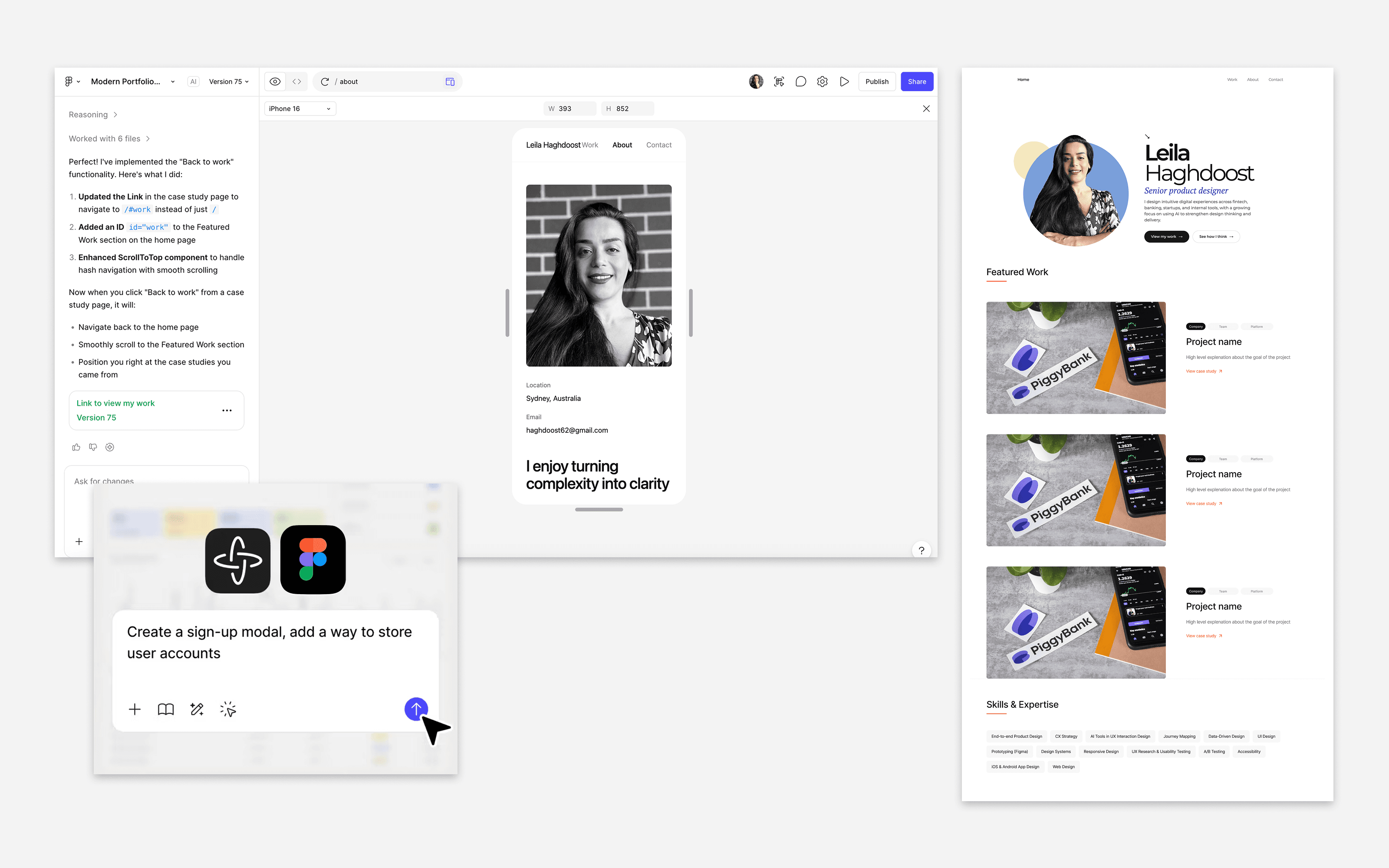
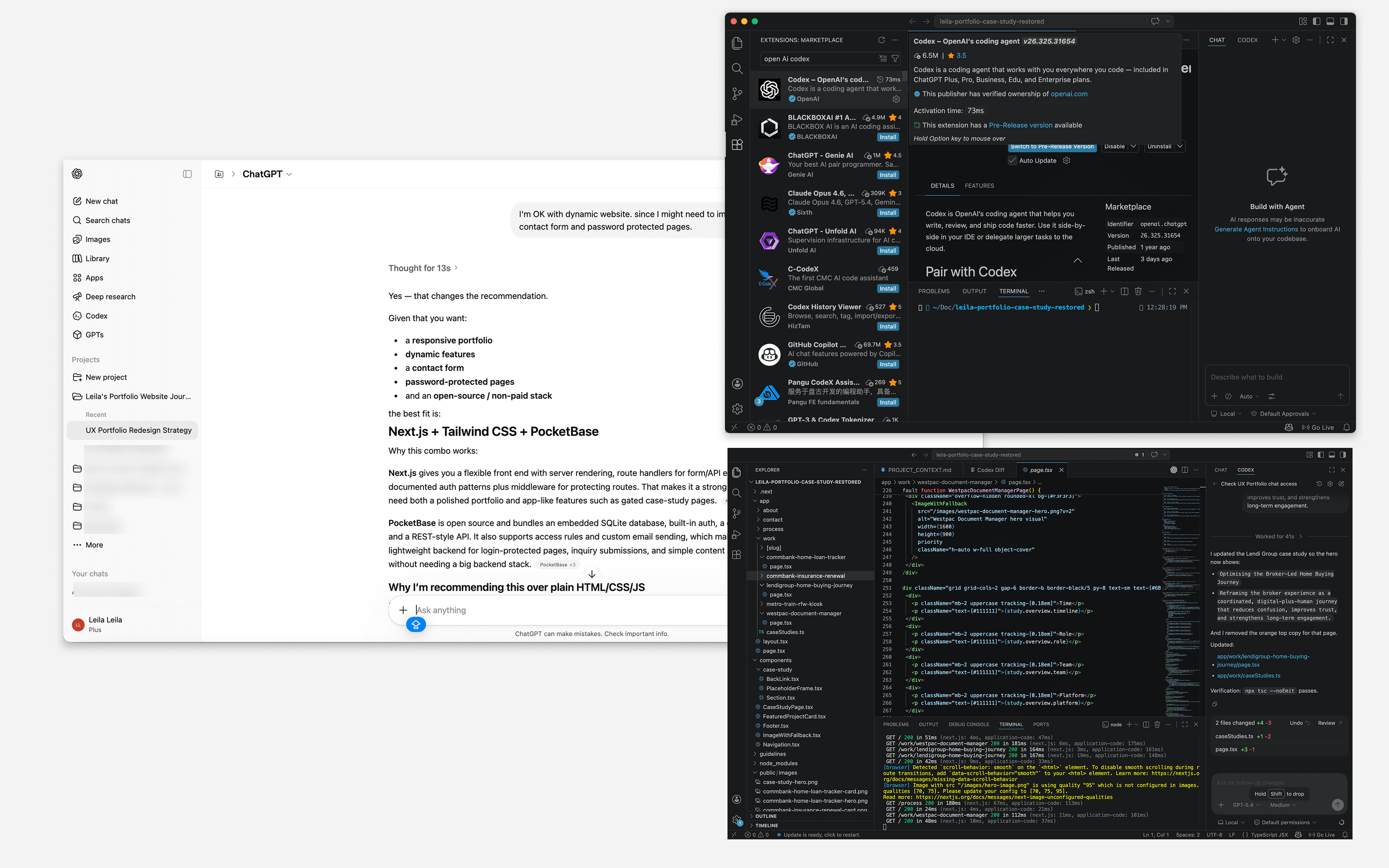
I exported the static front-end code generated by Figma Make, but I needed a more dynamic setup for flexibility. To achieve this, I converted the framework from Vite to Next.js, using GPT AI to guide me through the process and solve technical challenges. I then moved into the implementation stage.
- Exported the static front-end code from Figma Make
- Converted the framework from Vite to Next.js
- Used GPT AI to guide the process and solve technical challenges
4. Building and refining in code
I used an AI tool (Codex) to help generate, refine, and troubleshoot the code, while I reviewed, edited, and directed the final outcome.
- Built the portfolio locally
- Iterated quickly between design and code
- Used AI support to speed up refinement and delivery
5. Deploying to the server
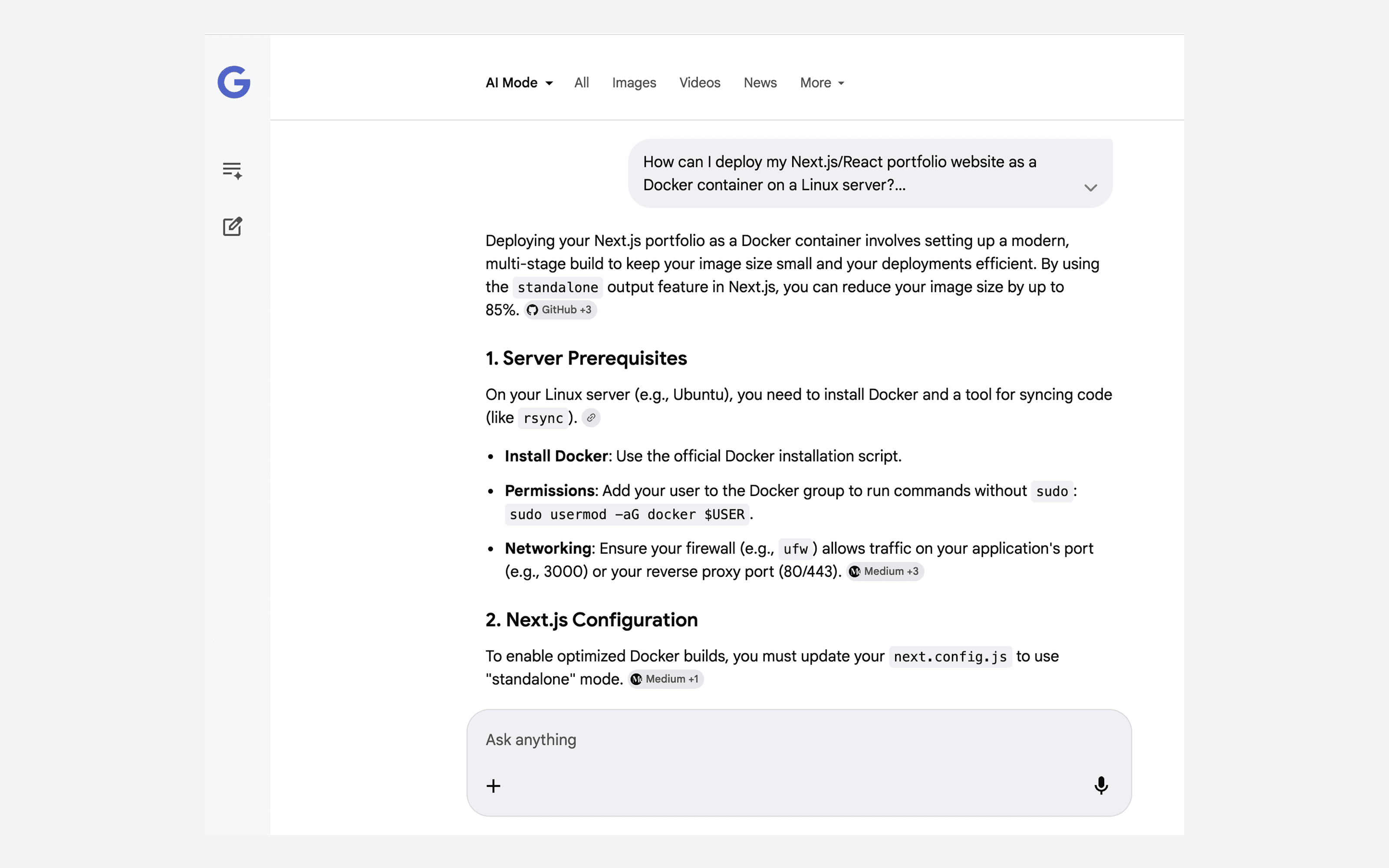
I used a Google Gemini AI tool to get guidance on deploying my portfolio as a Docker container on my existing Linux server.
- Planned the deployment setup for my existing server
- Used AI guidance to support the Docker deployment process
- Prepared the portfolio for live delivery on Linux
Key challenges
AI is a powerful tool, but it cannot design on its own. Strong results still depend on human thinking, direction, and judgment.
Maintaining Consistency Across Case Studies
Creating a system that keeps all case studies consistent, while still allowing flexibility for different types of work.
Using AI Without Losing Design Control
Using AI as a collaborator while maintaining control over design decisions, quality, and final outcomes.
From AI-Generated UI to Production-Ready Code
Turning static AI-generated code into a scalable and dynamic setup using Next.js.
Managing an End-to-End AI Workflow
Defining a clear workflow to use AI across ideation, design, and development without losing consistency.
DevOps & Deployment Setup
Setting up a smooth development and deployment process, including local setup, framework changes, and delivery.
Reflection
I’m proud that I built this portfolio from scratch in just four days. It was also a strong, hands-on prompting exercise where I learned how to guide AI more effectively to achieve better results.
This process strengthened my ability to bridge design and code, and better understand how design decisions translate into implementation, reinforcing a more end-to-end approach to my work.